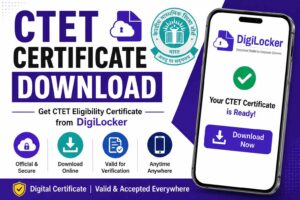

The CTET Certificate is an important document issued to candidates who successfully qualify the Central Teacher Eligibility Test (CTET) conducted by the Central Board of Secondary Education (CBSE). The certificate serves as proof of eligibility for teaching positions in Central Government schools, Kendriya Vidyalayas, Navodaya Vidyalayas, and various state government and private schools that recognize CTET qualification.
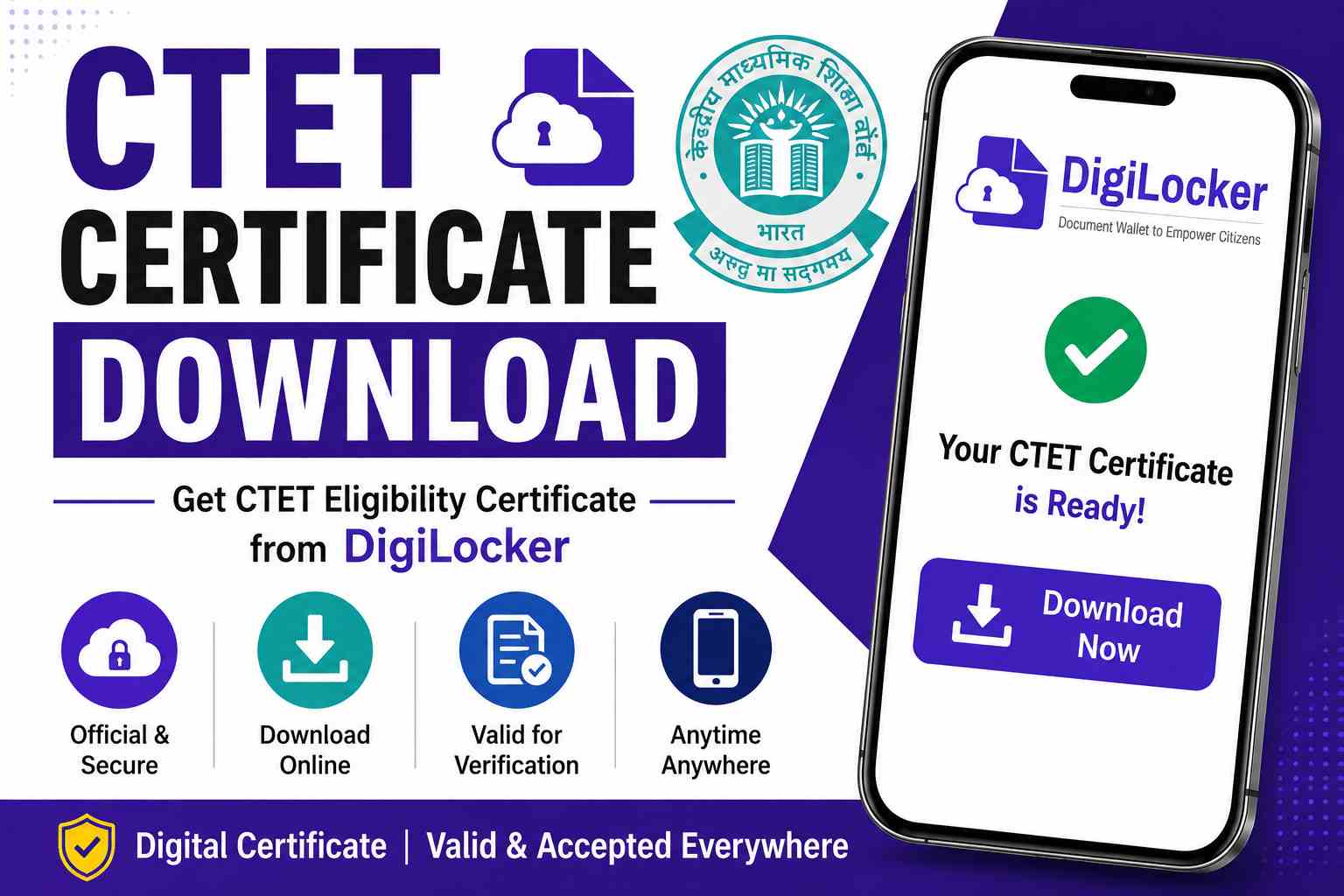
Qualified candidates can download their CTET Certificate online through DigiLocker. The digital certificate is officially verified, digitally signed, and accepted for teacher recruitment and document verification purposes across India.
CTET Certificate Overview
| Exam Name | Central Teacher Eligibility Test (CTET) |
| Conducting Authority | Central Board of Secondary Education (CBSE) |
| Document | CTET Eligibility Certificate |
| Download Mode | Online |
| Platform | DigiLocker |
| Certificate Validity | Lifetime |
| Access Mode | Digital PDF |
| Digilocker Sign up/Login Window | https://www.digilocker.gov.in/web/signup |
| Digilocker Website | https://www.digilocker.gov.in/ |
Step-by-Step Process to Download CTET Certificate
Candidates who have qualified the CTET examination can follow the steps below to download their certificate.
Step 1: Open DigiLocker
Visit the DigiLocker website or mobile application using your smartphone or computer.
Step 2: Login to Your Account
Sign in using:
- Registered Mobile Number
- Aadhaar Number
- Username and Password
If you do not have a DigiLocker account, complete the registration process first.
Step 3: Go to Issued Documents
After successful login, navigate to the Issued Documents section available on the dashboard.
Step 4: Select CBSE
Choose Central Board of Secondary Education (CBSE) from the list of available issuers.
Step 5: Select CTET Certificate
Click on the option labeled:
CTET Eligibility Certificate
Step 6: Enter Required Details
Provide the required information such as:
- CTET Roll Number
- Examination Year
- Examination Session
- Other requested details
Step 7: Download Certificate
After successful verification, your CTET Certificate will appear on the screen.
Download and save the PDF copy for future use.
Details Required to Download CTET Certificate
Before starting the download process, candidates should keep the following details ready:
- CTET Roll Number
- Examination Session
- Examination Year
- Registered Mobile Number
- DigiLocker Login Credentials
Entering correct details ensures smooth retrieval of the certificate.
Information Mentioned on CTET Certificate
Candidates should carefully verify all details after downloading the certificate.
| Details Available on Certificate |
|---|
| Candidate Name |
| Roll Number |
| Father’s Name |
| Category |
| CTET Examination Session |
| Paper Qualified |
| Certificate Number |
| Issue Date |
| Validity Status |
Any discrepancy should be reported to the concerned authority.
CTET Certificate Validity
The CTET Certificate now carries lifetime validity for all qualified candidates.
| Particulars | Details |
|---|---|
| Previous Validity | 7 Years |
| Current Validity | Lifetime |
| Applicable To | All CTET Qualified Candidates |
This means candidates do not need to reappear in CTET solely to renew their eligibility certificate.
Is the CTET Certificate Valid?
Yes, the CTET Certificate available through DigiLocker is officially issued by CBSE and is digitally signed.
The certificate is accepted for:
- Teacher Recruitment
- Government School Vacancies
- Kendriya Vidyalaya Recruitment
- Navodaya Vidyalaya Recruitment
- Private School Teaching Jobs
- Educational Verification
The digital certificate carries the same validity as any officially issued certificate.
Common Issues While Downloading CTET Certificate
Some candidates may encounter technical issues during the download process.
Common Problems
- Incorrect Roll Number
- Wrong Examination Session
- DigiLocker Login Issues
- OTP Verification Failure
- Mobile Number Mismatch
- Temporary Server Errors
Candidates should verify all information carefully before trying again.
Benefits of Downloading CTET Certificate Online
Downloading the certificate through DigiLocker provides several advantages.
Key Benefits
- Instant access to certificate
- Secure digital storage
- Lifetime availability
- Easy verification process
- Government-recognized document
- Accessible anytime and anywhere
These benefits make DigiLocker the preferred platform for accessing CTET certificates.
Frequently Asked Questions
Yes, qualified candidates can download their CTET certificate through DigiLocker.
Yes, it is officially verified and accepted for recruitment and document verification purposes.
The CTET certificate has lifetime validity.
Yes, eligible candidates can access their previously issued CTET certificates through DigiLocker.
Yes. The CTET marksheet displays examination scores and performance, while the CTET certificate is issued only to candidates who qualify the examination.
The CTET Certificate is one of the most important documents for teaching aspirants. Candidates should download and safely store both digital and printed copies for future recruitment, document verification, and teaching career opportunities.